Updated On: December 23, 2025 – Author: No Content
Minecraft is one of the most creative and popular games in the world. One of the biggest reasons for its success is the ability to add mods. Mods (short for modifications) make the game more fun by adding new features, items, worlds, and gameplay options. In 2025, there are many amazing mods that every Minecraft player should try. Whether you like building, exploring, or surviving, these mods will make your game better and more exciting.
[month_year]
What Are Minecraft Mods?
Minecraft mods are extra files or packages created by players and developers to change or add new features to the game. With mods, you can get new weapons, new creatures, custom maps, realistic graphics, and even new dimensions. They make Minecraft more enjoyable because you can play the game in your own style. Mods can be installed on PC, and some are also available for mobile and consoles through add-ons.
Why Use Mods in Minecraft?
Mods make the game fresh and interesting. Here are some benefits of using mods:
Add new tools, weapons, and blocks.
Explore new worlds and biomes.
Make survival mode more challenging.
Play with advanced features like machines and automation.
Best Minecraft Mods in 2025
Here is a list of the top Minecraft mods you should try this year:
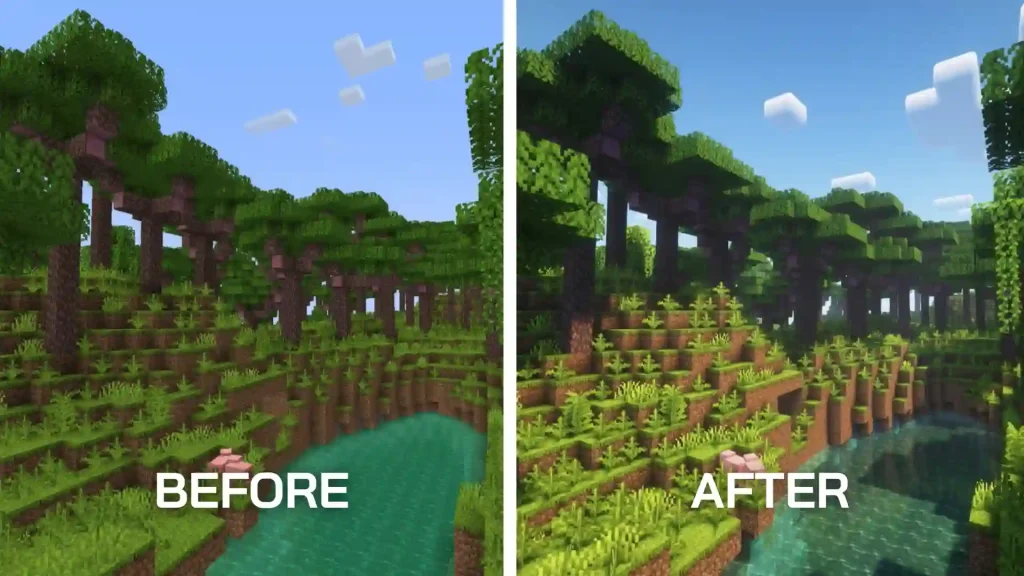
1. OptiFine
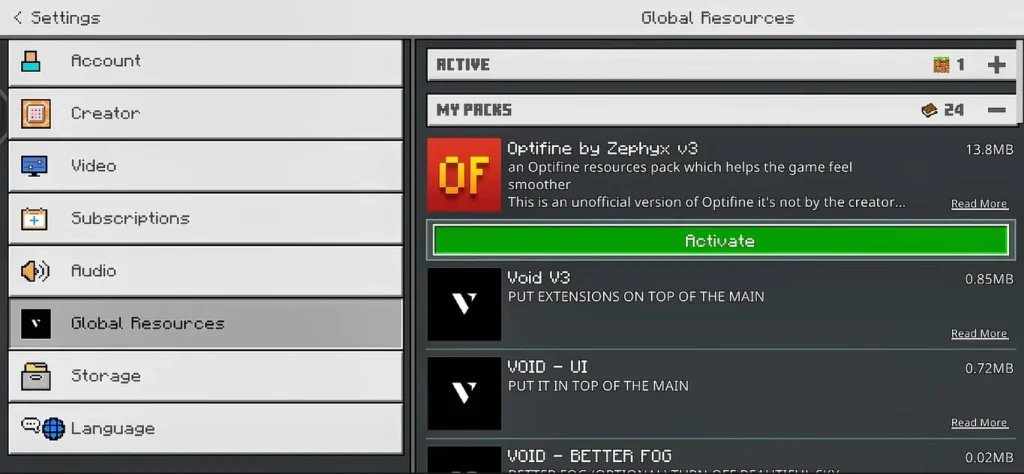
Why It’s Popular: OptiFine improves the graphics and performance of Minecraft. It adds HD textures and better lighting effects.
Best For: Players who want smooth gameplay and realistic visuals.
Key Features: Custom shaders, better FPS, and dynamic lighting.
2. Biomes O’ Plenty
Why It’s Great: This mod adds over 80 new biomes, making the world more colorful and interesting.
Best For: Players who love exploring new landscapes.
Key Features: New trees, plants, and unique environments.
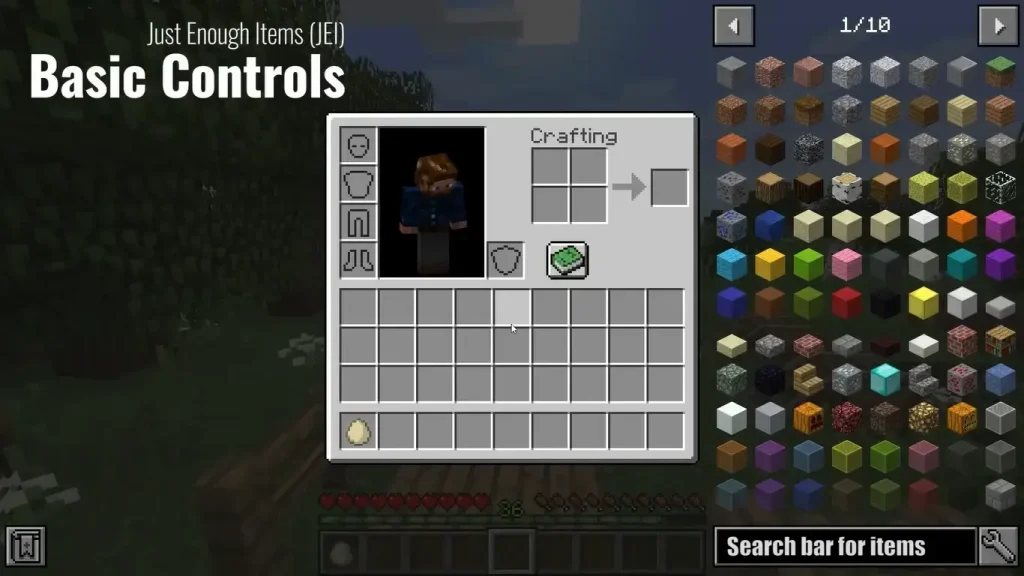
3. Just Enough Items (JEI)
Why Players Love It: JEI helps you craft items easily by showing all recipes.
Best For: Beginners and advanced players.
Key Features: Search bar for items, quick recipe guide.
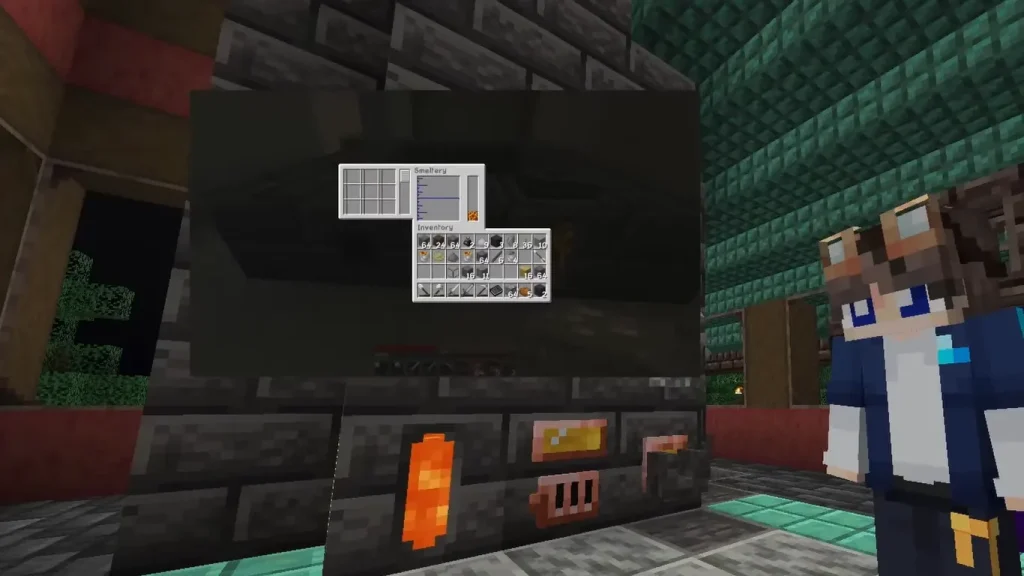
4. Tinkers’ Construct
Why It’s Important: This mod lets you create custom tools and weapons.
Best For: Players who enjoy building and customizing.
Key Features: Smeltery system, special materials for tools.
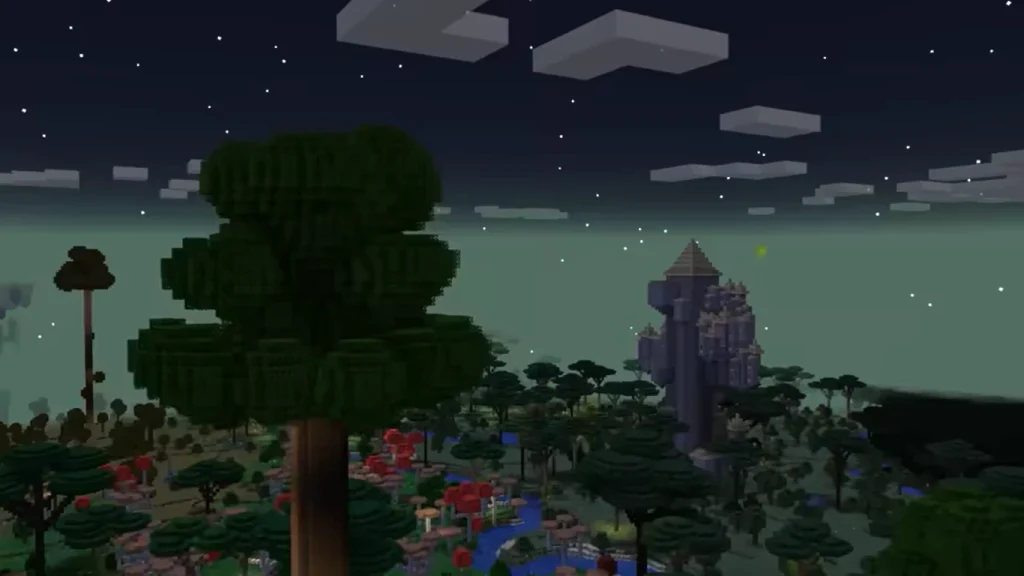
5. Twilight Forest
Why It’s Fun: It adds a whole new dimension with new bosses, dungeons, and creatures.
Best For: Adventure lovers.
Key Features: New biomes, magical items, and challenges.
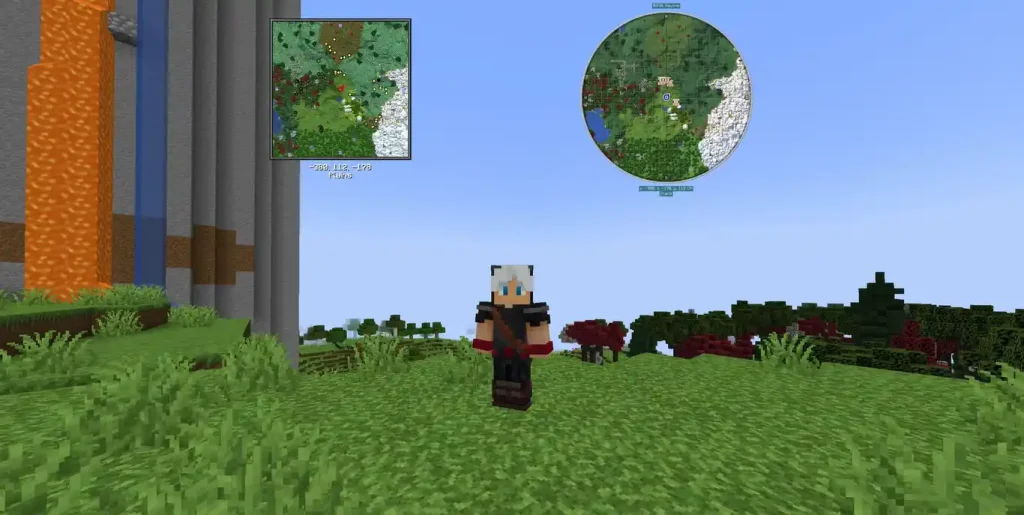
6. Journey Map
Why It’s Useful: JourneyMap gives you a mini-map and full map for easy navigation.
Best For: Players who explore large worlds.
Key Features: Real-time map updates, waypoints, and web browser view.
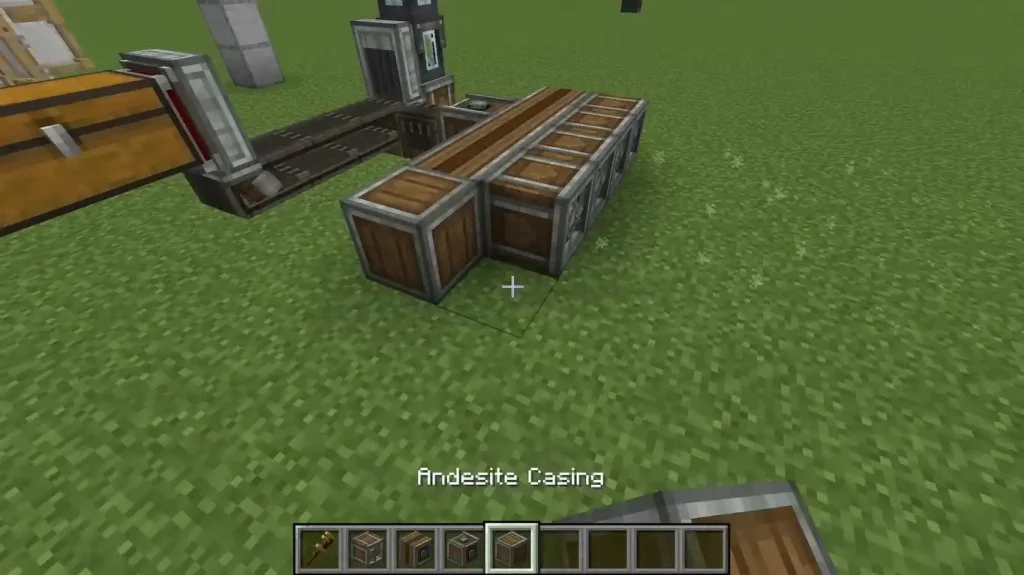
7. Create Mod
Why It Stands Out: This mod adds mechanical systems and automation.
Best For: Players who love engineering and machines.
Key Features: Rotational power, custom machines, and factories.
How to Install Minecraft Mods in 2025
Installing mods is easy if you follow the right steps:
Download Minecraft Forge (a mod loader).
Install Forge on your device.
Download the mod you want (make sure it’s for your Minecraft version).
Place the mod file in the Mods folder.
Start Minecraft with the Forge profile and enjoy!
Conclusion
Minecraft mods make the game more exciting and give you endless options for creativity and fun. In 2025, mods like OptiFine, Biomes O’ Plenty, and Create are some of the best choices for players. Whether you want better graphics, new worlds, or advanced tools, these mods will take your Minecraft experience to the next level.
Frequently Asked Questions (FAQ’s)
Yes, if you download from trusted places like https://orange-pony-533349.hostingersite.com/
It depends on your PC. A light pack (20–40 mods) runs on 8 GB RAM. Medium packs (80–150 mods) like 16 GB RAM. Use performance mods to help.
Many big modpacks target 1.20.1 for stability. New mods also support 1.20.5–1.21.x. Pick the version you must‑have mods support.